How to Use Pinterest to Drive Free Traffic to Your Store (Step-by-Step Guide for 2026)
October 24, 2026
Introduction
If you’re running an online store and still relying solely on paid ads or Instagram for traffic, you’re missing out on one of the internet’s most underutilized goldmines: Pinterest.
Here’s something most store owners don’t realize: Pinterest isn’t just another social media platform—it’s a visual search engine. While your Instagram posts disappear into the algorithm abyss within 48 hours, a single Pinterest pin can drive consistent traffic to your store for months or even years.
Consider this: Pinterest drives more referral traffic to websites than Twitter, LinkedIn, and Reddit combined. Users don’t just browse mindlessly—they actively search for products, ideas, and solutions with genuine buyer intent. When someone searches “minimalist home decor ideas” or “eco-friendly workout gear,” they’re ready to discover and purchase.
This comprehensive guide will show you exactly how to use Pinterest to drive free traffic to your store, whether you’re running a Shopify shop, selling on Etsy, managing a print-on-demand business, or operating any other ecommerce platform.
You’ll learn:
- Why Pinterest outperforms traditional social media for ecommerce traffic
- How to set up and optimize your Pinterest business account
- The exact Pinterest SEO strategy that gets your pins discovered
- Pin design and copywriting formulas that maximize clicks
- A sustainable pinning strategy that compounds over time
- How to track results and scale what works
Let’s turn Pinterest browsers into paying customers.
Why Pinterest Is a Powerful Traffic Source for Ecommerce
The Evergreen Advantage
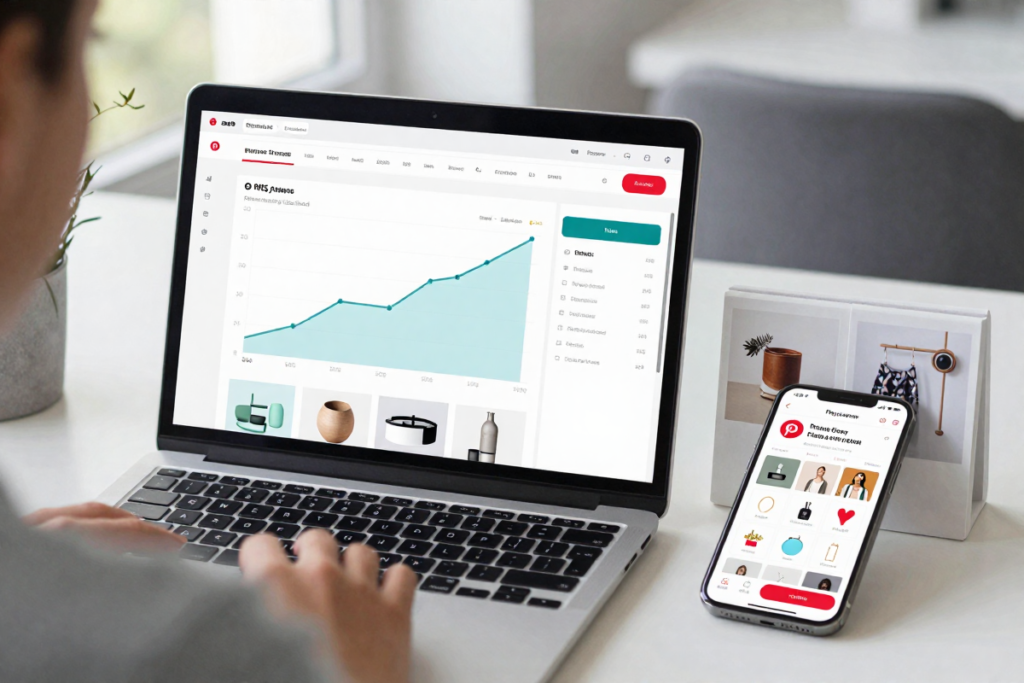
Unlike Instagram, TikTok, or Facebook, where content has a 24-48 hour lifespan, Pinterest content is truly evergreen. A pin you create today can continue appearing in search results and driving traffic to your store six months from now—completely organically.
This creates a compounding effect. Every pin you publish adds to your traffic potential. While social media requires constant content creation just to maintain visibility, Pinterest rewards strategic, consistent effort with long-term results.
High Purchase Intent
Pinterest users aren’t casually scrolling to kill time. They’re actively planning purchases, searching for gift ideas, organizing weddings, redesigning homes, and curating wish lists. According to Pinterest’s own data, users are 7x more likely to say Pinterest is the most influential platform in their purchase journey compared to other social platforms.
When someone searches “best organic baby clothes” or “unique handmade jewelry,” they’re not just browsing—they’re shopping.
Pinterest vs. Instagram/TikTok for Store Traffic
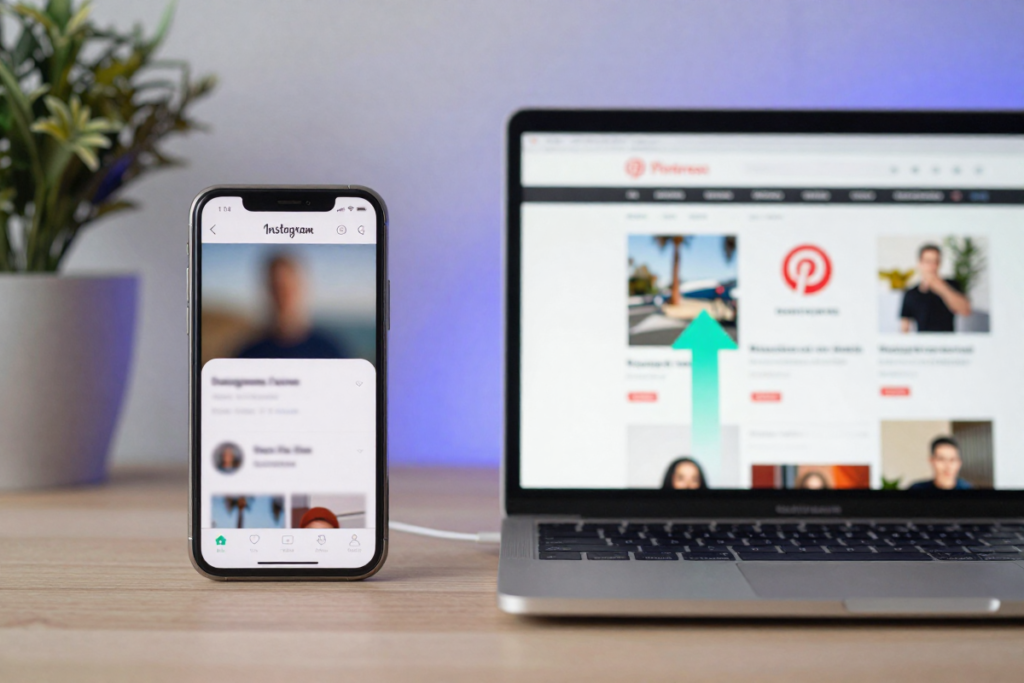
Let’s be clear: Instagram and TikTok are excellent for brand building and community engagement, but they’re notoriously difficult for driving website traffic, especially organically. The platforms want users to stay on the platform, making external links less effective.
Pinterest, conversely, is designed to send users off the platform to your website. Every pin is clickable. The entire user experience is built around discovery and external linking. This fundamental difference makes Pinterest marketing for ecommerce significantly more effective for actual traffic generation.
How Pinterest Works (Algorithm Basics)
Understanding the Pinterest algorithm is crucial for success. Here’s what you need to know:
Keywords > Hashtags: Unlike Instagram, Pinterest prioritizes keyword optimization over hashtags. The platform functions like Google—users search using specific terms, and Pinterest serves the most relevant, high-quality results.
Fresh Pins Matter: Consistently publishing new pins signals active participation. The algorithm favors accounts that regularly contribute fresh content.
Engagement Signals: Saves (repins), clicks, and close-ups tell Pinterest your content is valuable. High engagement increases your pin’s visibility in search results and the smart feed.
Domain Authority: Pinterest tracks which websites provide good user experiences. Consistently driving engaged traffic builds your domain’s authority on the platform.
Setting Up Your Pinterest for Business (Foundation Step)
Before you create a single pin, proper account setup is essential.
Switch to a Business Account
If you haven’t already, convert your personal Pinterest account to a business account (or create a new one). Business accounts are completely free and provide:
- Access to Pinterest Analytics
- Ability to run Pinterest ads (optional)
- Rich Pins functionality
- Shopping features
- Verification options
The switch takes less than five minutes at business.pinterest.com.
Profile Optimization Checklist
Your profile is your storefront on Pinterest. Optimize every element:
Username: Include a primary keyword if possible. Instead of “@JonesStore,” try “@JonesHomeDecor” or “@OrganicBeautyByJones.”
Bio: You have 160 characters. Use them strategically with a clear value proposition and keyword-rich description.
Example: “Eco-friendly home decor & sustainable living products | Shop handmade ceramics, organic textiles & zero-waste essentials | Free shipping over $50 🌿”
Profile Image: Use your logo or a clean, branded image that’s recognizable at thumbnail size.
Claim Your Website: This crucial step verifies ownership and unlocks analytics about traffic Pinterest sends to your site. Go to Settings > Claimed Accounts > Claim Website and follow the verification process.
[Pinterest scheduling/management tool: METRICOOL]
Understanding Pinterest SEO (The Foundation of Free Traffic)
Pinterest SEO is the single most important element of your strategy. Master this, and everything else becomes easier.
Keyword Research on Pinterest
Unlike Google, Pinterest offers incredibly transparent keyword research directly on the platform:
- Use the Pinterest Search Bar: Start typing relevant terms. Pinterest’s autocomplete suggestions show you exactly what users are searching for.
- Explore Related Searches: After searching, notice the bubble suggestions that appear below the search bar. These are high-volume, trending related keywords.
- Analyze Competitor Pins: Look at top-performing pins in your niche. What keywords appear in their titles and descriptions?
- Use Pinterest Trends: The Pinterest Trends tool (trends.pinterest.com) shows search volume patterns and seasonal interest for specific keywords.
Where to Place Keywords
Strategic keyword placement determines whether your pins get discovered:
Pin Titles: Your primary keyword should appear naturally in your pin title. Keep titles under 100 characters for optimal display.
Pin Descriptions: Include primary and 2-3 secondary keywords naturally in your 300-500 character description. Write for humans first, algorithms second.
Board Names: Each board should have a keyword-rich name that clearly describes its content. “Home Decor” is weak; “Minimalist Scandinavian Home Decor Ideas” is strong.
Board Descriptions: Write 150-300 character board descriptions incorporating relevant keywords and explaining what pinners will find.
Creating High-Converting Pins
Great content deserves great packaging. Your pin design determines whether users click through to your store.
What Makes a Pin “Click-Worthy”
High-performing pins share common characteristics:
- Clear value proposition visible at thumbnail size
- Eye-catching colors that stand out in the feed
- Minimal text (avoid cluttered designs)
- Emotional appeal or problem-solving focus
- Professional, cohesive branding
Pin Design Best Practices
Vertical Format (2:3 Ratio): Pinterest prioritizes 1000×1500 pixel pins (or any 2:3 ratio). Vertical pins take up more screen real estate and perform significantly better than square or horizontal formats.
Bold, Readable Text: If you include text overlays, use large, high-contrast fonts readable on mobile devices. Limit text to one clear benefit or hook.
Clear Value Proposition: Within 3 seconds of seeing your pin, users should understand exactly what they’ll get by clicking.
Branding Consistency: Include subtle branding (logo or website URL) so your pins become recognizable, but don’t let branding overpower the content.
Tools to Create Pins Easily
You don’t need design expertise to create professional pins:
Canva Pro – Offers thousands of Pinterest-specific templates optimized for the 2:3 ratio. The drag-and-drop interface makes professional design accessible to beginners.
Adobe Express – Another beginner-friendly option with Pinterest templates and stock imagery.
Affinity Studio (Free) – For advanced users comfortable with professional design software.
[CHECK THEM OUT: Pinterest pin template packs]
Writing Pin Titles and Descriptions That Drive Clicks
Design gets attention; copy drives clicks.
Formula for High-CTR Titles
Structure your pin titles using proven formulas that trigger curiosity and provide clarity:
- “How to [Achieve Desired Result]” → “How to Create a Cozy Reading Nook on Any Budget”
- “X Ways to [Solve Problem]” → “15 Ways to Organize Small Closets Like a Professional”
- “[Adjective] Guide to [Topic]” → “Ultimate Beginner Guide to Sustainable Living”
- “[Desired Result] Without [Common Obstacle]” → “Beautiful Home Decor Without Breaking the Bank”
Description Writing Tips
Your pin description has two jobs: convince humans to click and help Pinterest understand your content.
Include Primary + Secondary Keywords: Naturally incorporate 3-5 relevant keywords without stuffing. Write conversationally.
Example: “Discover 20 minimalist bedroom ideas perfect for small spaces. These scandinavian-inspired designs maximize storage while creating peaceful, clutter-free sanctuaries. Click for budget-friendly decor tips and shopping links. #minimalistbedroom #smallspaceliving”
Add a Clear Call-to-Action: Tell users exactly what to do. “Click to shop,” “Get the tutorial,” “Discover more ideas,” or “Pin for later” all work effectively.
Avoid Keyword Stuffing: Pinterest’s algorithm is sophisticated. Unnatural, repetitive keyword usage harms rather than helps your ranking.
Linking Pins to Your Store (Strategic Traffic Routing)
Where you send Pinterest traffic dramatically impacts conversion rates.
Direct Product Links vs. Blog Content
You can link pins directly to product pages, and for certain high-intent searches this works well. However, here’s what the data shows: Pinterest traffic converts better when sent to helpful blog content first.
Why? Pinterest users are in discovery and research mode. Sending them directly to a sales page feels jarring and transactional. But sending them to a “10 Best Organic Baby Products for New Moms” blog post that includes your products feels helpful and natural.
Best Landing Pages for Pinterest Traffic
Optimize these landing page types for Pinterest traffic:
Blog Posts: Product roundups, tutorials, gift guides, and how-to content work exceptionally well. These pages provide value while naturally featuring your products.
Product Collections: Instead of single products, create curated collection pages that tell a story or solve a problem.
Lead Magnets: Grow your email list by linking to opt-in pages offering free guides, printables, or discount codes.
[Get Web Hosting and Build Landing Pages with BLUEHOST Today!]
Pinterest Boards Strategy
Boards organize your content and provide additional SEO opportunities.
How Many Boards You Need
Start with 5-10 niche-focused boards. Each should represent a specific topic or product category relevant to your ideal customer.
For example, a sustainable fashion store might create:
- Organic Cotton Basics
- Ethical Workwear Style
- Eco-Friendly Activewear
- Sustainable Fashion Tips
- Zero Waste Closet Ideas
Avoid creating too many boards initially. Focus on depth over breadth.
Board Optimization Tips
Keyword-Rich Board Titles: Just like pins, board names should include relevant keywords while remaining natural and descriptive.
Detailed Board Descriptions: Write 150-300 characters explaining what the board contains and who it’s for. Include relevant keywords naturally.
Consistent Pinning: Regularly add new content to each board. Abandoned boards signal inactivity to Pinterest’s algorithm.
Cover Images: Create branded cover images for a cohesive, professional profile appearance.
Pinning Strategy That Actually Works
Consistency beats intensity on Pinterest.
Ideal Pinning Schedule
1-5 fresh pins per day is the sweet spot for most store owners. “Fresh” means newly created pins, not repins of others’ content.
This might sound overwhelming, but remember: you can create multiple pins for the same product or blog post using different images, titles, and descriptions.
Quality matters more than quantity. Five strategic, well-optimized pins outperform 20 rushed, generic ones.
Manual vs. Automated Pinning
Manual Pinning: Logging in daily to pin manually works but isn’t scalable long-term.
Automated Scheduling: Tools like Tailwind allow you to batch-create pins and schedule them for optimal times throughout the week.
Pros of scheduling:
- Maintain consistency even during busy periods
- Post at optimal times when your audience is most active
- Analyze best-performing pin times
- Save hours weekly
Cons of scheduling:
- Monthly cost (though usually under $15/month)
- Less “in-the-moment” engagement
[GET STARTED HERE: Tailwind scheduling tool]
Using Pinterest Analytics to Improve Results
Data transforms guesswork into strategy.
Key Metrics to Watch
Access Pinterest Analytics through your business account and monitor:
Impressions: How many times your pins appeared in feeds and search results. Growing impressions indicate increasing visibility.
Outbound Clicks: The metric that matters most for ecommerce. This shows how many users clicked through to your website.
Saves (Repins): When users save your pins to their boards, it signals valuable content to Pinterest and extends your reach.
Engagement Rate: Total engagements (saves + clicks + close-ups) divided by impressions shows how compelling your content is.
Identifying Winning Pins
Review your analytics monthly. Which pins drive the most outbound clicks? What do they have in common?
- Similar design styles?
- Specific product categories?
- Particular keywords or topics?
Double down on what works. Create variations of your top performers with different images, keywords, or angles.
Advanced Pinterest Traffic Strategies
Once you’ve mastered the basics, these tactics amplify results.
Idea Pins for Reach
Idea Pins (formerly Story Pins) are Pinterest’s native content format designed for multi-page storytelling. While they don’t allow external links (yet), they dramatically increase brand visibility and follower growth.
Use Idea Pins to:
- Share behind-the-scenes content
- Provide quick tips or tutorials
- Build authority and trust
- Grow your Pinterest following
Then, standard pins convert that audience into website traffic.
Seasonal Content Strategy
Pinterest users plan ahead—often 2-6 months in advance. Someone searching for “Christmas gift ideas” in July isn’t procrastinating; they’re getting a head start.
Create seasonal content 45-90 days before the relevant season. Back-to-school content peaks in June/July. Holiday shopping content peaks in September/October.
Leveraging Pinterest Trends
The Pinterest Trends tool shows exactly what’s gaining search interest in your niche. Use it to:
- Identify upcoming seasonal opportunities
- Discover trending keywords to incorporate
- Time content creation for maximum impact
- Stay ahead of competitors
Common Pinterest Mistakes to Avoid
Learn from others’ mistakes and skip the learning curve:
❌ Not Using Keywords: Relying on images alone without strategic keyword placement guarantees poor results.
❌ Low-Quality Pin Design: Blurry images, cluttered text, or unprofessional designs get scrolled past instantly.
❌ Inconsistent Posting: Posting 30 pins one week and then nothing for a month confuses the algorithm and stalls growth.
❌ Linking Only to Product Pages: While sometimes effective, consistently providing valuable content (blog posts, guides, resources) builds better long-term results.
❌ Ignoring Analytics: Flying blind wastes time and opportunity. Data shows what works.
❌ Violating Pinterest Guidelines: Affiliate links are allowed, but misleading claims, spam, or low-quality content will get you penalized.
How Long It Takes to See Results
Set realistic expectations to avoid premature discouragement.
Realistic Timeline
Month 1: Focus on setup, strategy, and consistent pinning. You’ll see minimal traffic—this is normal.
Month 2-3: As your pins gain traction in search results and your content library grows, traffic begins increasing noticeably.
Month 4-6: With consistent effort, most store owners see significant traffic growth. Some pins from months ago begin hitting their stride.
Month 6+: The compounding effect becomes obvious. Your library of evergreen pins works 24/7, driving consistent, predictable traffic.
Don’t expect overnight success. Pinterest rewards patience and consistency. But unlike paid ads that stop the moment you stop paying, Pinterest traffic continues growing with compound interest.
The Compounding Growth Model
Think of Pinterest like investing:
- Each pin is a small deposit
- Consistent deposits grow your account
- Over time, compound interest (evergreen traffic) accelerates growth
- Your “portfolio” of pins works passively while you sleep
This is why Pinterest is such a powerful free traffic source for online stores.
Monetizing Your Pinterest Traffic
Pinterest drives traffic. Your job is converting that traffic into revenue.
Selling Your Own Products
Optimize your landing pages specifically for Pinterest traffic:
- Create blog content that naturally features products
- Use product collection pages that tell stories
- Include clear calls-to-action without being pushy
- Ensure mobile optimization (most Pinterest traffic is mobile)
Affiliate Marketing Strategy
Pinterest is highly effective for affiliate marketing when done properly:
Product Roundups: “15 Best Eco-Friendly Kitchen Gadgets” featuring affiliate products
Tutorials with Embedded Links: Step-by-step guides that recommend specific tools or products
Resource Pages: Comprehensive guides to specific topics with recommended products throughout
Conclusion

Pinterest offers ecommerce store owners something increasingly rare in digital marketing: a legitimate free traffic source with long-term, compounding potential.
Unlike paid ads that demand continuous budget, or social media platforms that require daily content just to maintain visibility, Pinterest rewards strategic effort with evergreen results. The pins you create today can drive traffic to your store for months or years to come.
Here’s your action plan:
- Week 1: Set up your Pinterest business account, claim your website, and optimize your profile
- Week 2: Create 5-10 niche-relevant boards with keyword-optimized names and descriptions
- Week 3: Design your first 10-15 pins using Canva templates, focusing on your best products or most helpful blog content
- Week 4+: Commit to creating 3-5 fresh pins daily (or batch-create and schedule weekly)
The store owners who win with Pinterest aren’t necessarily the most creative or the most experienced. They’re simply the most consistent.
Start pinning today. In six months, you’ll thank yourself.
Ready to take your Pinterest strategy to the next level? [Download Our Free SEO Pinterest Checklist & Guide]
Pinterest Traffic FAQ
Is Pinterest still worth it in 2026?
Absolutely. While platforms rise and fall, Pinterest’s unique positioning as a visual search engine (rather than social media) gives it staying power. Monthly active users continue growing, and the platform’s focus on shopping and product discovery makes it increasingly valuable for ecommerce stores.
How often should I pin?
Aim for 1-5 fresh pins daily. Consistency matters more than volume. Batch-creating content weekly and using a scheduler like Tailwind makes this manageable without daily manual effort.
[Give it try today! Tailwind]
Can beginners succeed on Pinterest?
Yes! Pinterest actually favors newer accounts willing to publish consistent, quality content. Unlike Instagram where established accounts dominate, Pinterest’s search-based algorithm gives everyone a fair chance to rank for relevant keywords.
Do I need a blog to succeed with Pinterest?
No, but it significantly helps. While you can link directly to product pages, pins leading to helpful blog content (that features your products) typically convert better because they provide value before asking for the sale.